A little help for
your next haul.
Welcome to Harbor Tycoon: Merge Adventure support. If something is getting between you and your next catch, we’re here to help.
Tell us what happened, your iPhone model, iOS version and game version. A screenshot can help, too. Please leave out passwords and other sensitive information.
Back on course.
A few answers before you cast your next net.
How do I play?
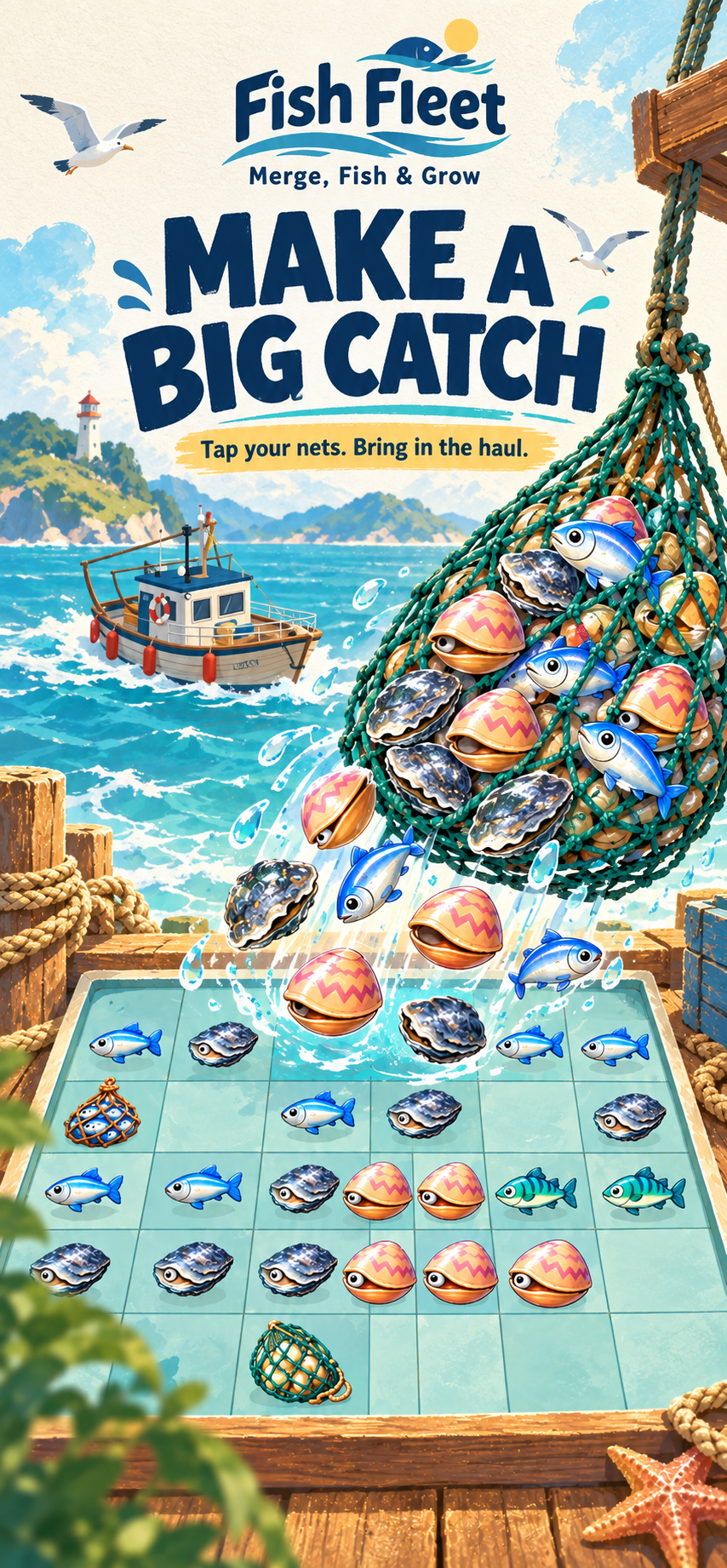
Tap a fishing net to bring catches onto your board. Combine matching catches to discover their next stages, then use them to complete orders. Deliveries earn in-game coins for your next upgrade.
Why can’t I collect another catch?
Check that you have energy and room on your board. Try merging matching catches or completing an order to free up space. An ordinary fishing attempt on a full board does not spend energy.
Where is my progress saved?
Your game progress is saved on your device. There is no account login or account-based cloud sync. Deleting the app or moving to a different device may lose your progress, so contact us before reinstalling to fix a problem.
Do I need an account or a purchase?
No. Harbor Tycoon: Merge Adventure does not require an account and has no advertisements or in-app purchases.
Can I turn off gameplay analytics?
Yes. You can decline when asked and keep playing. If you previously agreed, open Settings, then Privacy policy (Data & Privacy), and choose Turn off analytics. This stops new app events and clears locally queued measurement records without deleting your game progress. Previously sent records may remain with providers; see our privacy policy for deletion requests.
The game stopped responding. What should I do?
Close and reopen the app, then check for an available update. If it happens again, email us with the steps that caused the issue and any screenshot you can share. Avoid deleting the app, because your progress is stored locally.
Your catch. Your choice.
Gameplay analytics are optional. Learn what is collected and how to manage it.